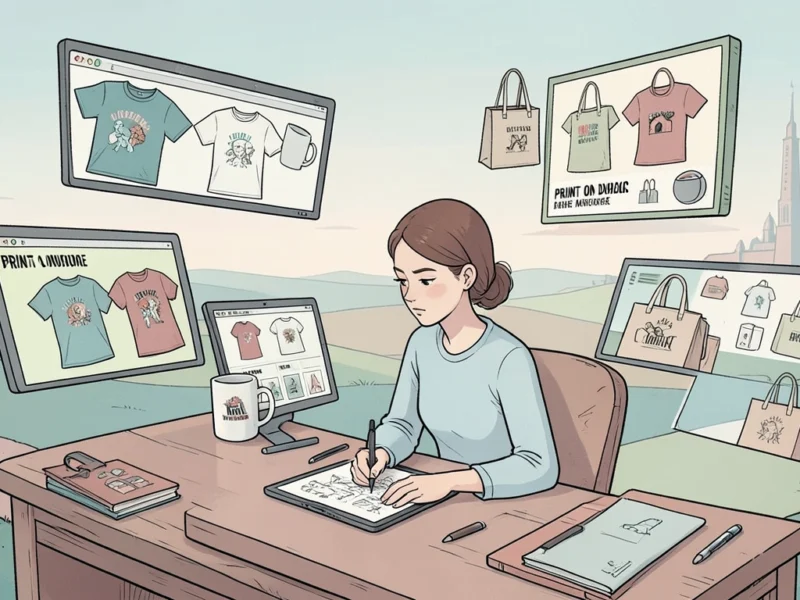
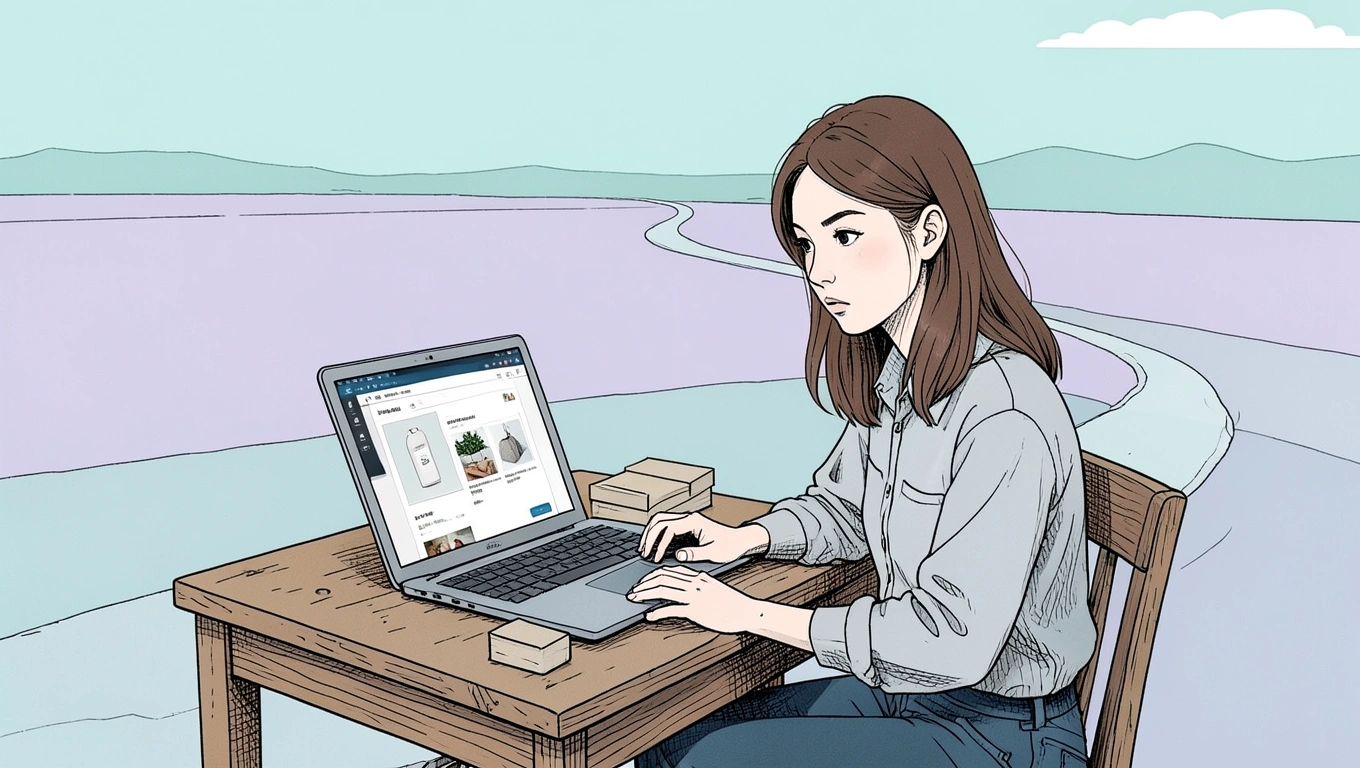
Launching your first online shop is exciting, but it's also a fast track to burning cash if you're not careful. When you're working with a tight budget, every dollar counts - and plenty of them get wasted on things that feel essential but really aren't. The truth is, you don't need half the stuff most startup guides tell you to buy. What you need is a functioning store that can actually make sales, not a digital showroom that drains your bank account before you've sold your first product. Let's cut through the noise and talk about what you can safely skip.
Premium Website Themes and Custom Design Work
That sleek, custom-designed website you've been dreaming about? It can wait. Seriously. When you're just starting out, spending hundreds or even thousands on premium themes and custom development is one of the fastest ways to blow through your budget before you've proven your concept works.
Most e-commerce platforms come with perfectly functional free themes. WooCommerce, for instance, is completely free as an open-source plugin for WordPress, though you'll still need to budget for basics like hosting (which can run anywhere from $3 to $50 monthly) and a domain name (typically $10-$20 per year). But the plugin itself? Free. And it comes with themes that work just fine for getting started.
If you're considering Shopify, their Basic plan runs $39 monthly, or $29 if you pay annually. That plan includes templates that are mobile-responsive and professionally designed. Sure, they might not be as flashy as premium options, but they convert sales just fine. You can always upgrade your design later when you've got revenue coming in and actual customer feedback about what matters to them.
Think about it this way: your first customers care about clear product photos, accurate descriptions, and easy checkout. They're not scrutinizing your font choices or custom animations. Save that budget for when you actually need to differentiate based on brand experience, not when you're still figuring out if people even want what you're selling.
Expensive Marketing Campaigns Right Out of the Gate
Here's where new shop owners really get into trouble. They launch their store, cricket sounds echo through their analytics dashboard, and they panic. The immediate response? Throw money at Facebook ads, Google ads, Instagram promotions - anything to get eyeballs on products.
This is backwards. Paid advertising is a skill, and it's one you'll likely pay tuition to learn through failed campaigns and burnt ad spend. When your budget is tight, you can't afford that education right now. Smart e-commerce startups focus on organic strategies first, building an audience before they pay to reach one.
Start with free channels. Social media accounts cost nothing except time. Content creation - whether that's helpful blog posts, product tutorials, or behind-the-scenes videos - builds trust and authority without ad spend. Email marketing, assuming you're collecting addresses from day one, remains one of the highest-ROI channels and costs almost nothing with free tiers from most providers.
Does organic growth take longer? Absolutely. But it also builds a real foundation. When you do eventually invest in paid campaigns, you'll have actual data about who your customers are, what messaging resonates, and what products convert. That knowledge makes your ad dollars work exponentially harder than blind testing on a limited budget ever could.
A Mountain of Software Subscriptions and Tools
The SaaS trap is real. Every entrepreneur podcast and YouTube guru has a stack of tools they swear you absolutely need. Inventory management, customer relationship management, email automation, social media scheduling, analytics, heat mapping, A/B testing - the list goes on and on. Before you know it, you're subscribed to fifteen different services at $10-$50 each monthly, and you haven't made a single sale yet.
Most platforms come with enough built-in functionality to run a basic operation. Shopify's Basic plan includes analytics, abandoned cart recovery, and basic marketing tools. You don't need a separate subscription for those yet. WooCommerce integrates with free plugins for most essential functions. When you're starting on Etsy, their platform handles listings, payment processing, and basic shop management - you pay only their listing fee of $0.20 per item, a 6.5% transaction fee, and payment processing around 3% plus $0.25 per transaction.
For design work, Canva's free plan includes unlimited designs, access to millions of templates, and 5GB of storage. Yes, you'll hit limits - no background remover, no Magic Resize, and about 20 AI uses monthly - but honestly? You can create perfectly professional product graphics and social media posts without touching a Pro subscription at $18 monthly or $144 annually.
The rule should be simple: add tools only when you've hit a specific, measurable problem that free options can't solve. Not because they might be useful someday. Not because someone said it's best practice. Only when you're actually losing money or time because you lack that specific functionality.
Overstocking Inventory Before You've Proven Demand
Buying inventory in bulk usually means better per-unit costs. That's basic math. But it's also a great way to lock up your entire budget in products that might not sell. Worse, it creates pressure to move inventory that can lead to panic discounting, which tanks your margins and trains customers to wait for sales.
When possible, start with pre-orders, made-to-order, or dropshipping models. Yes, your margins might be thinner initially. Yes, fulfillment might take longer. But you're trading a bit of profit and speed for something much more valuable when you're broke: knowledge about what actually sells without the risk of dead stock.
If you must carry inventory, buy the minimum viable amount. Test with small batches. A dozen units, not a hundred. Enough to fulfill initial orders and gauge interest, not enough to fill a storage unit. You can always reorder winners. You can't un-buy duds sitting in your garage.
This approach also forces you to focus. Instead of offering fifty products hoping something sticks, you carefully select five you believe in and test them properly. You learn faster, iterate quicker, and keep your cash flow flexible enough to pivot when you discover what customers actually want versus what you assumed they'd want.
Summary
- Skip premium themes and custom design - free platform templates work fine until you've proven your concept and have revenue for upgrades
- Avoid expensive ad campaigns initially - focus on organic marketing, content creation, and social media to build an audience without burning cash
- Don't stack up software subscriptions - use free platform features and add paid tools only when you hit specific, measurable problems
- Resist bulk inventory purchases - test with minimal stock or dropshipping to learn what sells before tying up capital in products
- Remember basic e-commerce costs: Shopify Basic is $39/month, WooCommerce is free but needs hosting ($3-50/month), Etsy charges per listing and transaction fees
- Use Canva's free plan for graphics - 5GB storage and millions of templates cost nothing and work for early-stage design needs
- Prioritize functionality over features - your first customers care about clear photos, accurate descriptions, and easy checkout, not fancy animations
Final Thought
The hardest part about launching on a budget isn't the actual constraints. It's resisting the pressure to spend your way into looking legitimate. There's this persistent myth that professional equals expensive, that if you're not investing heavily, you're not serious. That's garbage. Some of the most successful online shops started with barely more than a free website builder and a PayPal button.
What actually matters is solving a problem for specific people and doing it well enough that they tell others. Everything else - the polished branding, the advanced features, the sophisticated marketing automation - those are accelerants you add to a fire that's already burning. They don't start the fire themselves. Your job right now isn't to build the perfect store. It's to build the simplest version that can make a sale, then use that sale to fund the next improvement.
That's how you bootstrap without going broke. Not by cutting corners on things that matter, but by being ruthlessly honest about what actually matters right now versus what can wait. Most of what feels urgent is really just nice-to-have dressed up in anxiety. Strip it away. Start small. Scale smart.
Questions?
What's the absolute minimum budget to start an online shop?
You can technically start for under $100 if you're strategic. Using a platform like Etsy means you pay only listing fees ($0.20 per item) and transaction fees (6.5% plus payment processing). Even with Shopify, their Starter plan at $5 monthly gives you checkout functionality, though it's limited. Budget around $50-100 for initial inventory if you're testing with minimal stock, and use free tools for everything else. Your biggest investment will be time, not money.
Is it better to use a free platform or pay for something like Shopify?
It depends on your product and skills. If you're selling handmade or vintage items, Etsy gives you built-in traffic worth far more than the fees you'll pay. If you're comfortable with WordPress, WooCommerce offers incredible flexibility for free, though you'll need hosting. Shopify at $39 monthly (or $29 annually) makes sense if you want everything in one place and don't want to deal with technical setup. There's no universal best answer - only what fits your specific situation and comfort level.
Should I start with dropshipping to avoid inventory costs?
Dropshipping solves the inventory problem but creates others - mainly thin margins and longer shipping times. It's not a bad starting point for testing product ideas without financial risk, but understand you're competing primarily on marketing since you're selling products others can access too. If you go this route, focus on a specific niche where you can add real value through expertise or curation, not just listing random products cheaper than the next person.
How long should I wait before investing in paid advertising?
Wait until you've made at least 20-30 organic sales and have clear data about who's buying and why. That usually takes a few months of consistent effort on free channels. You need to understand your customer acquisition cost, lifetime value, and conversion rates before paid ads make sense. Otherwise you're guessing, and guessing with a tight budget means running out of money before you figure out what works.